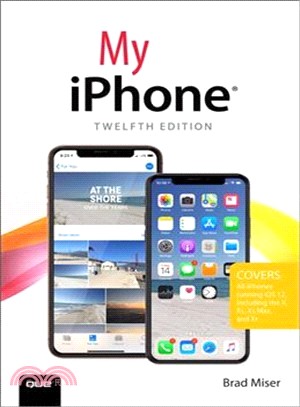
Step-by-step instructions with callouts to iPhone images that show you exactly what to do. Help when you run into iPhone problems or limitations. Tips and Notes to help you get the most from you
Whether you have a traditional PC or a souped-up tablet with a touch screen, Windows 10 In Depth is just the guide you need to get through the learning curve and become a Windows 10 expert. The
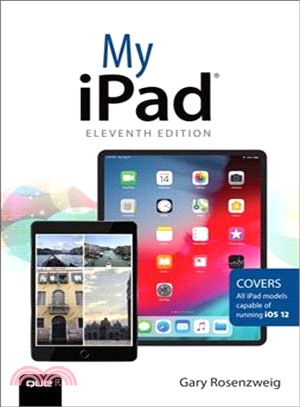
My iPad offers a full-color, fully illustrated resource to using your iPad. Each task is clearly titled and has corresponding visuals that are numbered to match the step they are referring to.
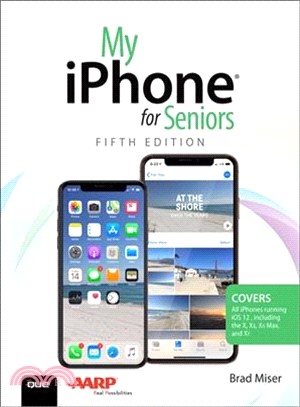
Even though the iPhone is amazingly easy-to-use for such a powerful device, it can be intimidating for people who aren’t used to it—this is especially true for seniors. In My iPhone for Seniors, the h
The perfect book to help anyone 50+ learn Facebook--in full color! Whether you are new to Facebook or would like to explore more of its features, My Facebook for Seniors makes learning to use t
USE EXCEL 2016 TO GAIN DEEPER INSIGHTS, MAKE SMARTER DECISIONS, AND EARN MORE PROFITS Using real-world examples, Carlberg helps you put Excel’s features and functions to work and get th
My Microsoft® Windows® 10 for Seniors is an easy, full-color tutorial on the latest operating system from Microsoft. Veteran author Michael Miller has written more than 100 nonfict
Visual, step-by-step hands-on tutorials for the most common tasks a user needs to perform. Whether you’re already using Windows 10 or are a Windows newcomer, Easy Windows 10 is the fas
My Microsoft® Windows® 10 is an easy, full-color tutorial on the latest operating system from Microsoft. This book is part of Que’s Content Update Program. As Microsoft updates
My iPad for Seniors, 6th Edition, is a comprehensive guide to using all of Apple’s iPad models. It includes everything from basic setup information to finding and installing new apps to using the iPa