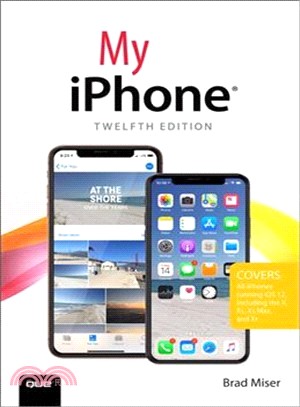
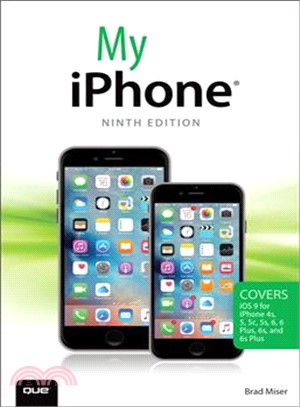
Step-by-step instructions with callouts to iPhone images that show you exactly what to do. Help when you run into iPhone problems or limitations. Tips and Notes to help you get the most from you
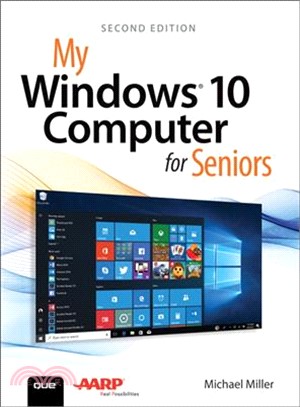
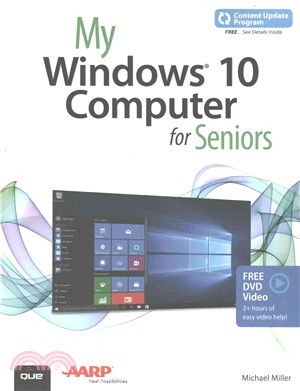
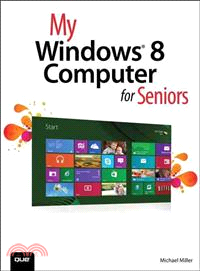
My Microsoft® Windows® 10 for Seniors is an easy, full-color tutorial on the latest operating system from Microsoft. Veteran author Michael Miller has written more than 100 nonfict
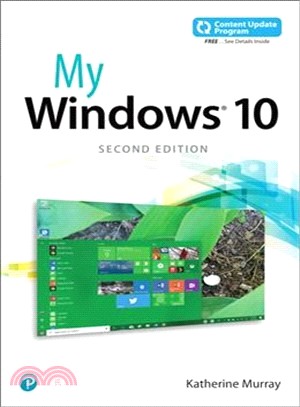
My Microsoft® Windows® 10 is an easy, full-color tutorial on the latest operating system from Microsoft. This book is part of Que’s Content Update Program. As Microsoft updates
Step-by-step instructions with callouts to iPhone images that show you exactly what to do. Help when you run into iPhone problems or limitations. Tips and Notes to help you get the most fr
My iPad offers a full-color, fully illustrated, step-by-step resource to using your iPad. Each task has corresponding visuals that are numbered to match the step they are referring to. Sidebars give a
My iPad for Seniors, 5th Edition, is a comprehensive guide to using all of Apple’s iPad models. It includes everything from basic setup information to finding and installing new apps to using th
Easy, clear, readable, and focused on what you want to do. Step-by-step instructions for the tasks you care about most. Large, full-color, close-up photos with callouts to iPhone photos that show
Learn Facebook, Twitter, Instagram, LinkedIn, Pinterest, Skype, and More! My Social Media for Seniors helps you learn what social media is all about, and how to use it to connect with friends, fam
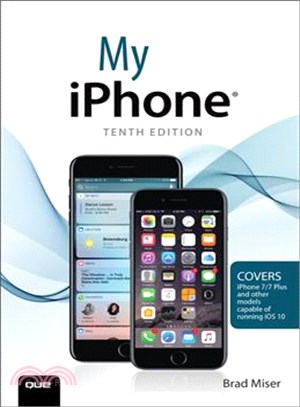
My iPhone is a visually rich, task-based guide to help you get up and running with the iPhone and tap into some of the hidden, or less obvious features. The organized, task-based format allows you to
My iPad offers readers a full-color, fully illustrated, four-color step by step resource to using their iPad. Each task is stepped through with corresponding visuals that are numbered to match the ste
My iPad for Seniors, 4th Edition, is a comprehensive guide to using all of Apple’s iPad models. It includes everything from basic setup information to finding and installing new apps to using the iPad
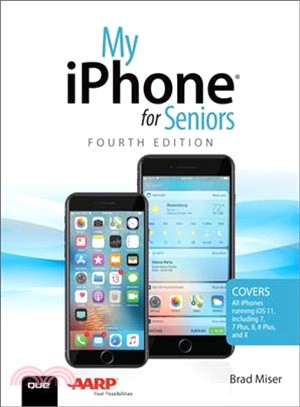
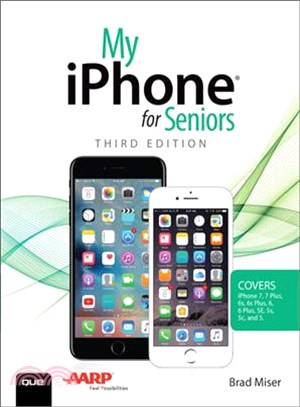
This new edition of the best-selling My iPhone for Seniors book helps you quickly get started with Apple’s newest operating system and use its features to look up information and perform day-to-day ac
My OS X is filled with beginning through intermediate tasks, presented in a thorough step-by-step format, that guide you through learning everything you need to know to use the newest release of OS X.
My Digital Travel for Seniors is an exceptionally easy and complete full-color tutorial on using computers, smartphones, or tablets to plan travel, make online reservations, manage your itinerary, and
The perfect book to help anyone 50+ learn Facebook--in full color! Whether you are new to Facebook or would like to explore more of its features,?My Facebook for Seniors makes learning to use the wo
The perfect book to help anyone 50+ learn the Samsung Galaxy S7 — in full color!My Samsung Galaxy S7 for Seniors helps you quickly and easily get started with the new smartphone and use its featur
Enthusiastically endorsed by AARP, My Health Technology for Seniorsis the first easy guide to all of today's revolutionary health technologies for every senior, family member, and caregiver. Not just
My Digital Entertainment for Seniors helps bring you into the 21st century when it comes to their entertainment. Each chapter focuses on one aspect of entertainment - television, movies, radio, newspa
Based on the best-selling My iPhone book, My iPhone for Seniors helps you quickly get started with your new smartphone and use its features to look up information and perform day-to-day activities fro
Friendly, quick, and 100% practical, My Samsung Galaxy Tab x is the must-have companion for every Samsung Galaxy Tab x user.Step-by-step instructions with callouts
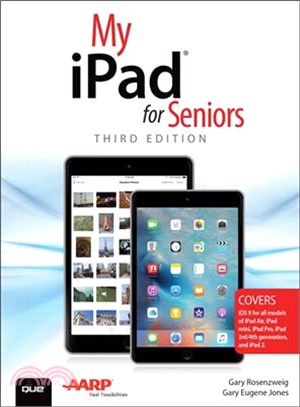
Based on the best-selling My iPad book, My iPad for Seniors helps you quickly get started with your new tablet, and use its features to look up information and perform day-to-day activities from anywh
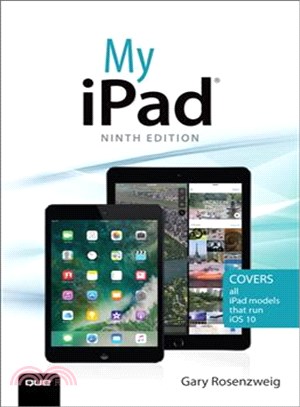
My iPad, Eighth Edition, helps you quickly get started with your new tablet, and use its features to look up information and perform day-to-day activities from anywhere, any time.Step-by-step instruct
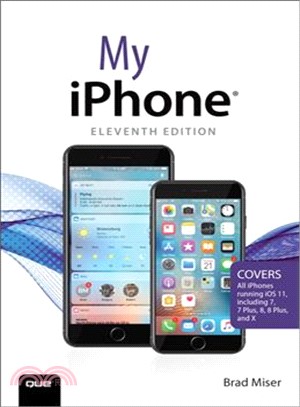
Step-by-step instructions with callouts to iPhone images that show you exactly what to do.Help when you run into iPhone problems or limitations.Tips and Notes to help you get the most from your iPhone
With My Windows 10, you will quickly get up to speed. Step-by-step instructions with callouts to Windows 10 photos show you exactly what to do. This book serves to help when you run into Windows 10 pr
Easy, clear, readable, and focused on what you want to doStep-by-step instructions for the tasks you care about mostLarge, full-color, close-up photos show you exactly what to doCommon-sense help when
Full-color, step-by-step tasks walk you through doing exactly what you want with Google Apps.My Google Apps will cover the many features of Google Apps in a user-friendly, visual easy-to-read style. T
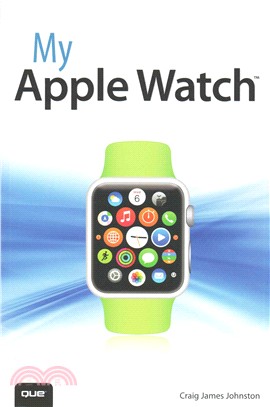
If you own or are considering a new AppleWatch, My AppleWatch is your must-have companion. This friendly, quick, full-color, 100% practical tutorial walks you through every task you'll want to perform
Most visual books focus narrowly on basic skills. These titles serve a purpose, but often come up short in terms of covering topics that new, but knowledgeable, users are interested in. In My MacBook,
The perfect book to help anyone 50+ Learn Facebook — in Full Color! Whether you are new to Facebook or would like to explore more of its features, My Facebook for Seniors makes learning the world
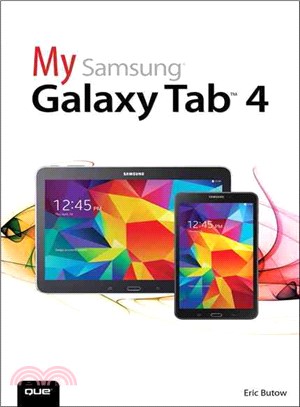
This visual, task-based tutorial will show you how to enrich and simplify your life using the Samsung Galaxy Tab 4. The book covers: Differences between Kit Kat and other versions of Android Di
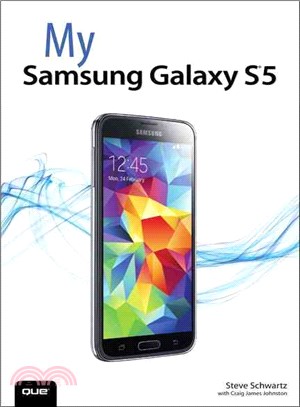
&> Designed for novice to intermediate users, My Samsung Galaxy S5 combines step lists, tips, and illustrative screen captures to familiarize you with the important capabilities of the device a
Friendly, quick, and 100% practical, My iWork for iCloud is your must-have companion for Apple's new iWork for iCloud - no matter what platform or device you're accessing it from! Expert "iTechnolog
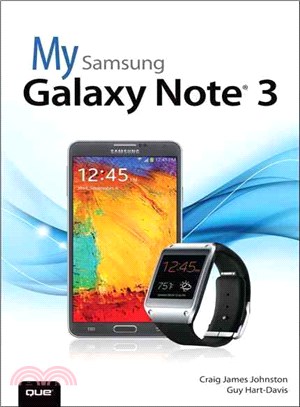
My Samsung Galaxy Note III is a full-color, visual guide to successful use of the Samsung Galaxy Note III that runs on the latest Android operating system. This task-based tutorial will teach you to u
My iPad offers a full-color, fully illustrated, step by step resource for anyone using an iPad mini. Each task is presented in easy to follow steps - each with corresponding visuals that are numbere
Easy, clear, readable, and focused on what you want to do Step-by-step instructions for the tasks you care about most Large, full-color, close-up photos show you exactly what to do Common-sense
Use Microsoft's new Excel 2013 to understand, visualize, share, and act on your data -- even if you have little or no Excel experience! Friendly, quick, and 100% practical, My Excel 2013 is the mu
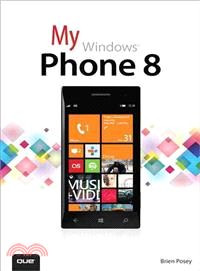
Friendly, quick, and 100% practical, My Microsoft Windows Phone 8 is the must-have companion for every Windows Phone 8 user. Written by seven-time Microsoft MVP Brian Posey, it walks new users thro
Step-by-step instructions with callouts to Office 2013 RT photos that show you exactly what to doHelp when you run into Office 2013 RT problems or limitationsTips and Notes to help you get the most fr